Surveillance links are decided at the camera end: worst-case PoE, enclosure temperature grade and the copper-to-fiber boundary matter more than the backhaul optics.
01The connection brief
IP surveillance links carry camera streams from the point where they are captured to the point where they are recorded and viewed. This page is a planning concept describing how those links are specified. It is not an account of a delivered system and names no site, operator, camera count or result.
The brief is defined by geography more than by technology. Cameras sit at perimeters, on poles, in car parks, along corridors and at gates, which places many of them beyond the 100 m copper limit and outside any conditioned space. The planning task is to decide where the copper stops and the fiber starts, how many streams share each fiber segment, and what happens to the recording when a link or a power feed fails.
02The design inputs
Start with the camera schedule: how many cameras, their resolution and frame rate, the codec in use, and whether streams are constant or variable bit rate. From that, derive the bandwidth per camera and the aggregate per fiber segment, allowing headroom for scene changes that push variable bit rate streams to their ceiling.
Record each camera location, its distance from the nearest active equipment, its power requirement including any heater or pan-tilt-zoom motor, and its enclosure type. Record the recorder side: how many ports, what uplink speed, and how much storage bandwidth the recorders can absorb. Note retention requirements, because they size storage rather than the network but are frequently confused with each other in the same document.
03The topology and optical path
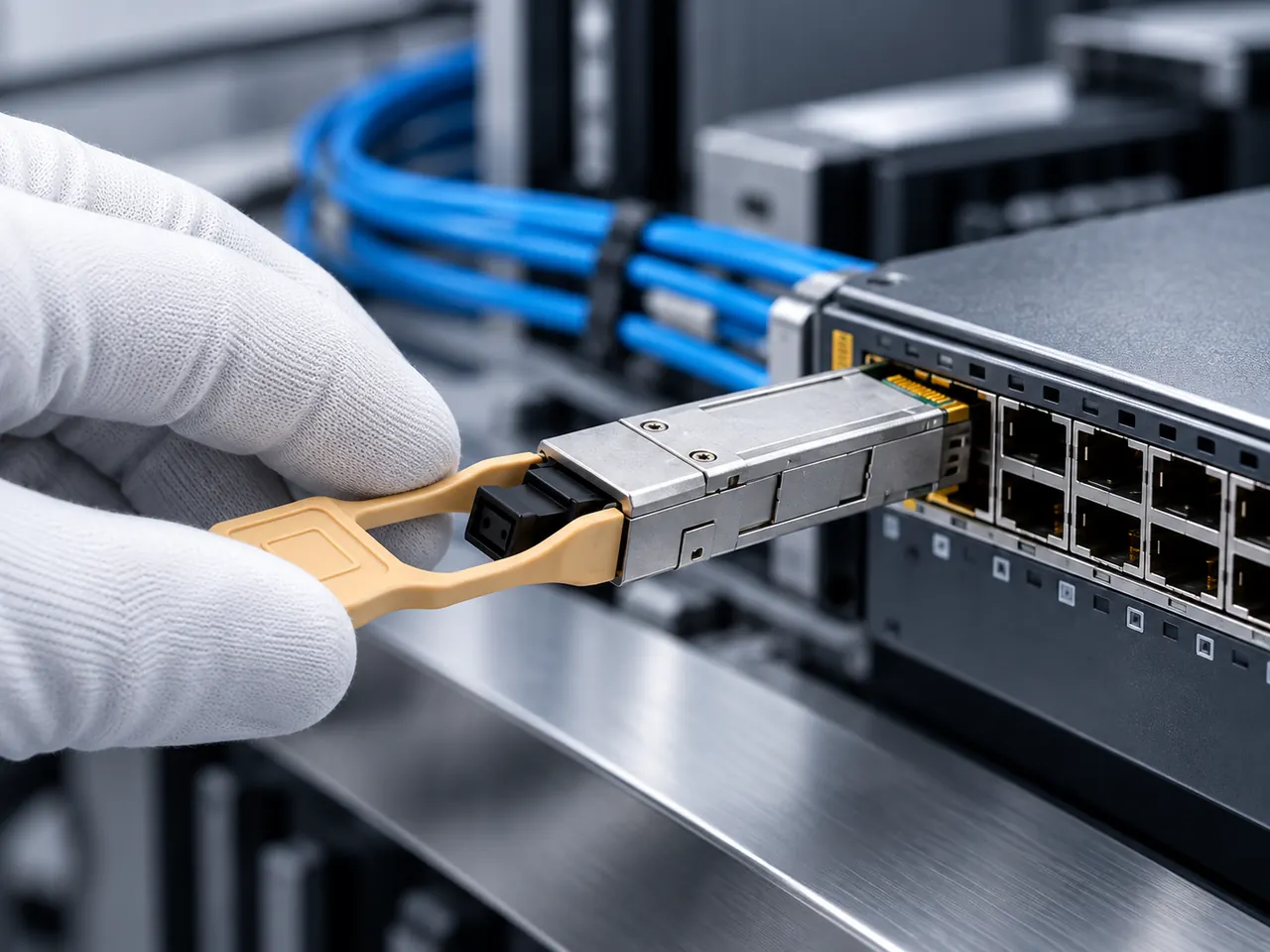
The common shape is a two-tier design. Cameras attach over short copper to a local switch or converter at the pole, gate or building entry, and that local point backhauls over fiber to an aggregation switch near the recorders. Fiber segments are sized by the number of cameras behind them rather than by the distance.
Where strand count is limited, each backhaul can run single-fiber BiDi on one strand. Write the optical path as a chain including bulkhead adapters at the pole enclosure and at the building entry, counting each mated pair at 0.3 to 0.75 dB and each splice at about 0.1 dB. Mark on the drawing which segments carry which cameras, so a fiber fault translates directly into a list of affected views.
04Product families to evaluate
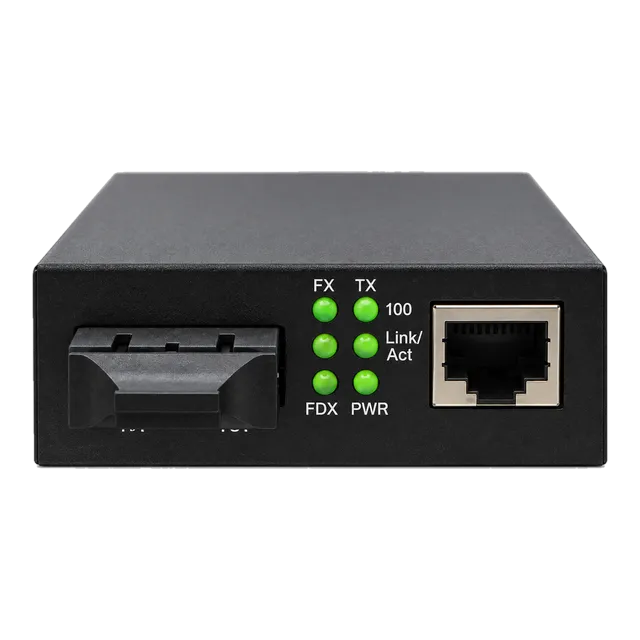
At the camera end, the 1.25G SFP UTP PoE Media Converter combines the fiber to copper conversion with a PoE output rated to 30 W, which suits a single camera in a pole enclosure. Where power is supplied separately, the 10/100/1000 Gigabit Fiber Media Converter covers plain conversion, and the IP Ethernet to Coax Media Converter is relevant where an analogue installation is being reused over existing coaxial runs at up to 1500 m.
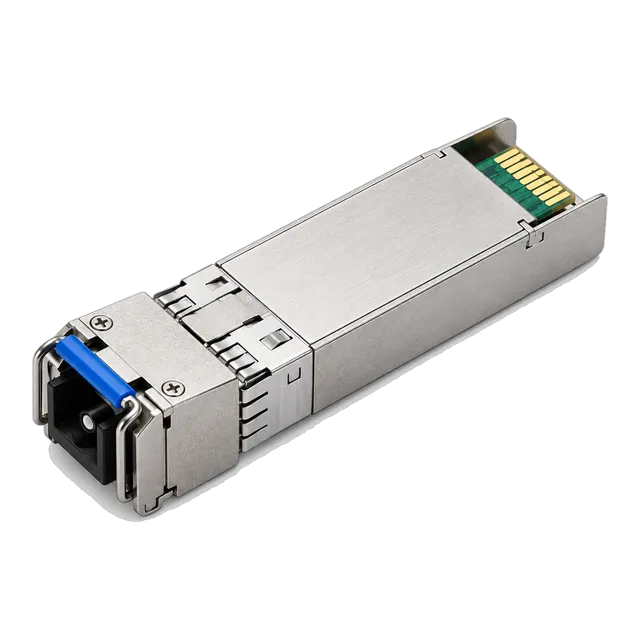
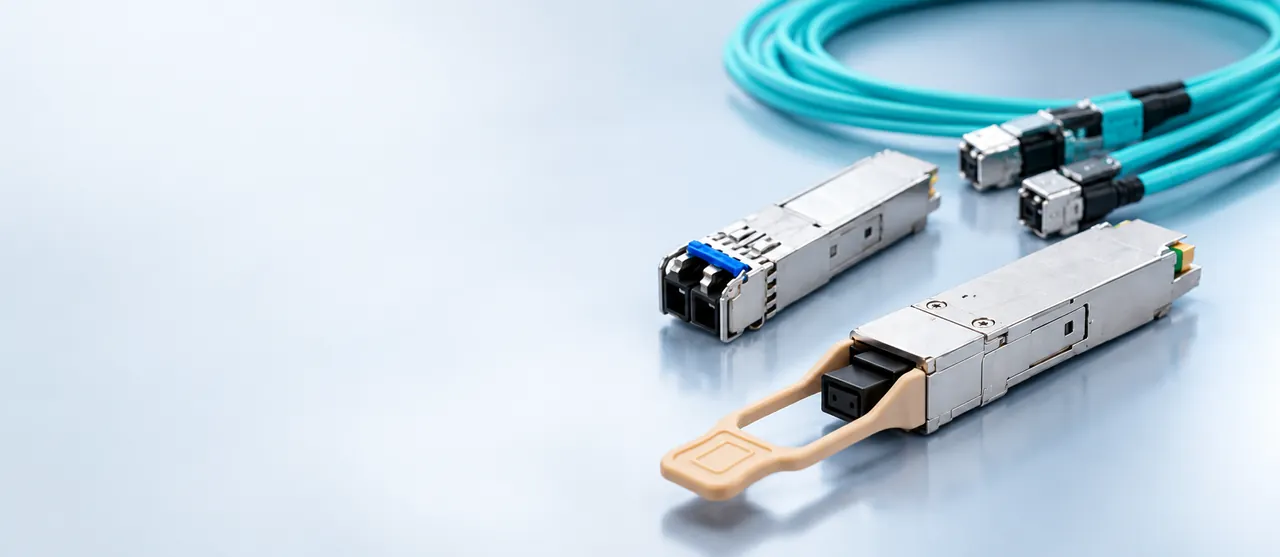
For the fiber itself, the 1.25G BiDi Single-Fiber SFP Transceiver 1310nm/1550nm 20km family suits single-camera drops, while aggregation backhaul uses 10G SFP+ modules such as the 10G SFP+ BiDi BX20 20km or the 10G SFP+ BiDi BX60 60km families.
05Link budget and reach considerations
Two budgets apply again. The bandwidth budget is a straight sum of stream rates behind each segment, with headroom for variable bit rate peaks and for the burst of traffic that occurs when several operators call up live views at once. A gigabit segment absorbs a large number of typical streams, but the count should be calculated rather than assumed.
The optical budget uses the usual figures: roughly 0.35 dB/km at 1310 nm and roughly 0.22 dB/km at 1550 nm, mated pairs at 0.3 to 0.75 dB, splices at about 0.1 dB, and about 3 dB of unallocated margin. Surveillance routes are usually short, so check the maximum receiver input power as well and plan an attenuator if a long-reach module is used on a short run.
06Environment and power
Camera-end equipment is almost always in the worst environment on the site. A pole box or perimeter enclosure calls for the industrial temperature grade of minus 40 to 85 degrees Celsius rather than the commercial 0 to 70 degrees Celsius grade, for the converter or switch and for any transceiver fitted into it.
Power is the recurring constraint. A camera drawing within the 802.3af limit of 15.4 W at the source behaves differently from a heated dome or a pan-tilt-zoom unit needing 802.3at at 30 W, and the source budget has to cover the worst case on every port simultaneously if all cameras can peak together. Record whether each camera location has a backed-up supply, because a camera without backup power stops recording during exactly the events that matter.
07Validation and acceptance
Test the fiber with a light source and power meter before the first converter is mounted on a pole, because access afterwards is slow and often needs a platform. Record the loss per segment and compare it with the calculation.
On the network side, verify the delivered PoE class at each camera and the actual power drawn under worst case, with heaters and motors active. Then verify the system rather than the link: confirm that every stream reaches the recorder, that recording is continuous over a defined soak period, and that a deliberate link failure produces the expected alarm and the expected loss of exactly the cameras behind that segment. Store the segment-to-camera map with the as-built record.
08Procurement and BOM
Build the BOM per camera location and per backhaul segment. A location typically needs a converter or small switch, its power arrangement, a bulkhead adapter, patch cords and a transceiver where the fiber port is modular. A backhaul segment needs a matched transceiver pair.
Write the temperature grade on every outdoor line. Where the drop is single-fiber, list the two ends as separate matched items, not as one part number with a quantity of two. Include the aggregation switch ports needed at the recorder side and the coding required for that platform, confirmed per platform. Hold spares as complete location kits, since replacing a pole unit is a scheduled access task rather than a quick swap.
09Common mistakes
Sizing PoE from typical camera draw rather than from the worst case with heaters and motorised movement running together produces a system that drops cameras on the first cold night of the year. Specifying commercial temperature equipment for pole enclosures produces the mirror-image failure in the first hot summer.
Other recurring errors are calculating bandwidth from nominal stream rates without headroom for variable bit rate peaks, leaving a copper tail that pushes the total run past the 100 m limit, using a long-reach optic on a short perimeter link so that the far receiver overloads, and omitting the segment-to-camera map so that an operator cannot tell which fiber fault caused which blind spot.
10Next step
Prepare a camera schedule with locations, distances, stream rates and power classes, a fiber schedule with strand counts and measured lengths, and a statement of the recorder-side port and uplink requirement.
Then add candidate media converter, 1.25G SFP and 10G SFP+ items to an inquiry list, with the temperature grade and the PoE class marked against each location rather than left to a general note. The project worksheet provides the same fields. This page is a planning reference rather than a delivered surveillance design, so the bandwidth sums, the power budget, the temperature grade and the final part selection all stay subject to engineering confirmation against the actual camera models and their published worst-case figures.
11Design inputs to document
| Design input | What to record |
|---|---|
| Camera schedule | Count, resolution, frame rate, codec and bit rate behaviour. |
| Location distances | Copper run length per camera and fiber length per segment. |
| PoE class per camera | Worst-case draw including heaters and motorised movement. |
| Enclosure type | Pole box, perimeter cabinet or indoor, setting the temperature grade. |
| Backhaul grouping | Which cameras share each fiber segment and the aggregate rate. |
| Recorder side capacity | Port count, uplink speed and ingest bandwidth available. |
| Power resilience | Which locations have backed-up supply and for how long. |
12Planning bill of materials
| Item | Configuration | Quantity |
|---|---|---|
| PoE fiber media converter | SFP fiber port, RJ45 with PoE output up to 30 W, DC or mains fed | 1 per camera location |
| 1.25G BiDi SFP | 1310/1550 nm, simplex LC, single-mode, 20 km class | 2 per single-camera drop, matched pair |
| 10G SFP+ BiDi backhaul transceiver | 1270/1330 nm, simplex LC, temperature grade per location | 2 per backhaul segment, matched pair |
| Outdoor fiber patch cords | Connector style per bulkhead adapter, length per enclosure | 2 per location |
| Local power supply | Voltage and current sized for the worst-case PoE load | 1 per camera location |
Planning quantities only. The final bill of materials is confirmed with your quotation.
13Frequently asked questions
How much PoE should be budgeted per camera?
Budget the worst case rather than the datasheet idle figure. A fixed indoor camera may sit inside the 802.3af limit of 15.4 W at the source, while a heated dome with pan, tilt and zoom can require 802.3at at 30 W, and some large units need 802.3bt, which supports up to 90 W at the source. Size the supply for all ports peaking together.
Where should the copper-to-fiber boundary sit?
As close to the camera as the environment allows, so the copper tail stays well inside the 100 m limit and outside the reach of induced noise and lightning-related surges. A converter or small switch at the pole or gate is the usual arrangement, which also concentrates the power supply and the backup provision at one accessible point.
How is bandwidth per fiber segment calculated?
Add the bit rates of every stream behind the segment, including any second lower-resolution stream used for live viewing, then add headroom for variable bit rate peaks during scene activity and for simultaneous operator viewing. Compare the total against the segment rate. Calculate this rather than assuming that a gigabit segment covers any plausible camera count.
Why record a segment-to-camera map?
Because during an outage the useful question is not which fiber is broken but which views are lost. A map that ties each fiber segment to the cameras behind it turns an optical fault into an immediate operational statement, and it makes acceptance testing meaningful: breaking one segment should black out exactly the listed cameras and nothing else.
Technical review note: confirm model-specific specifications with the product datasheet and the intended host documentation. Product images and application photographs are illustrative.
Discuss this with our team