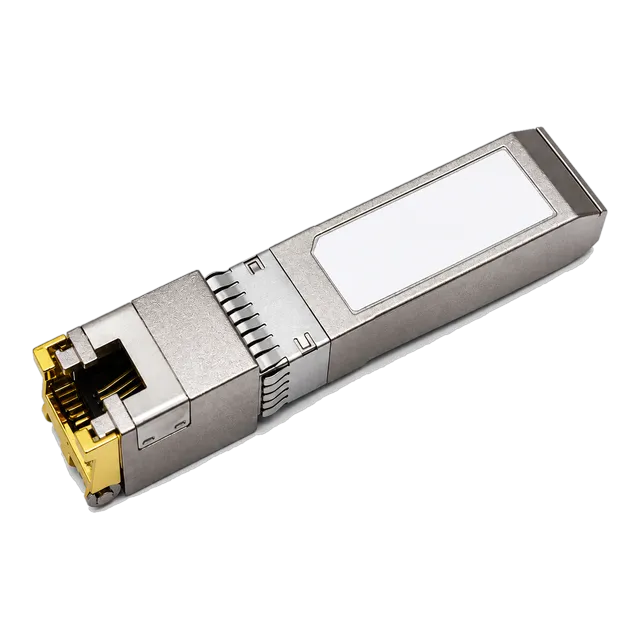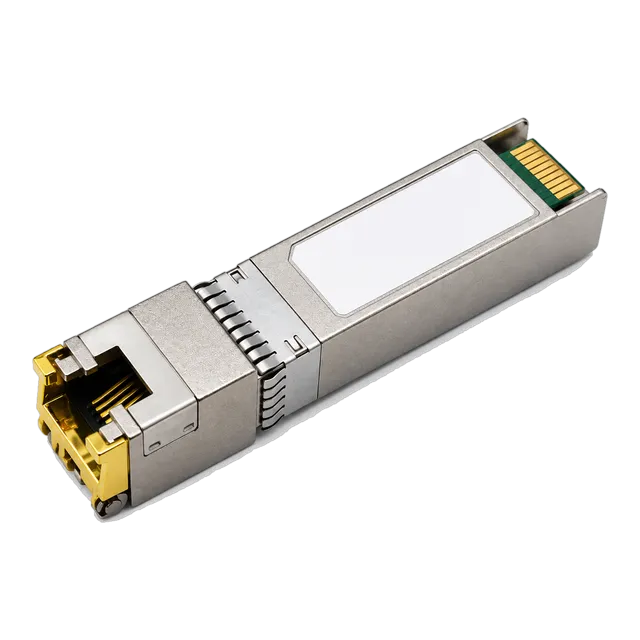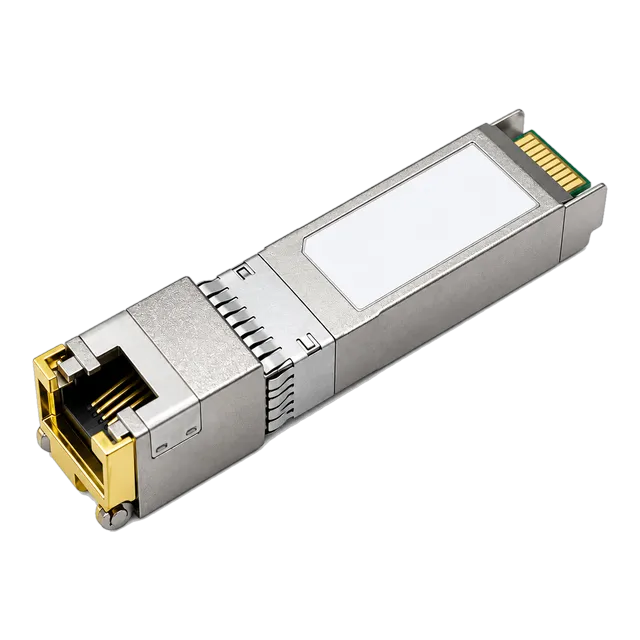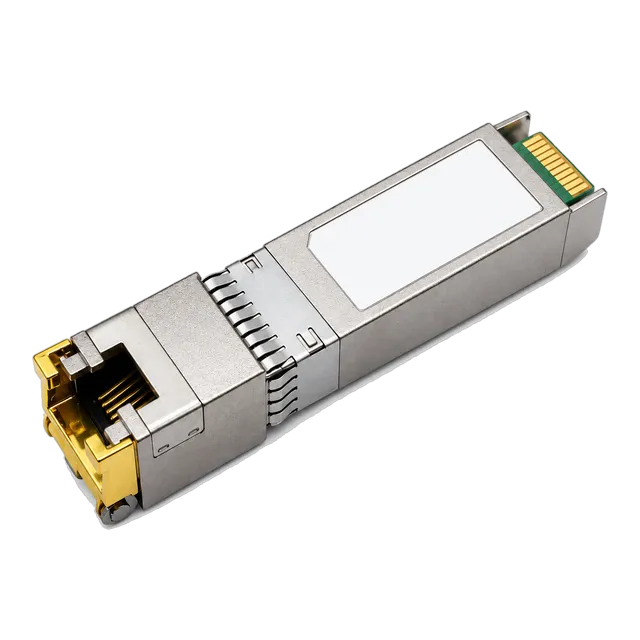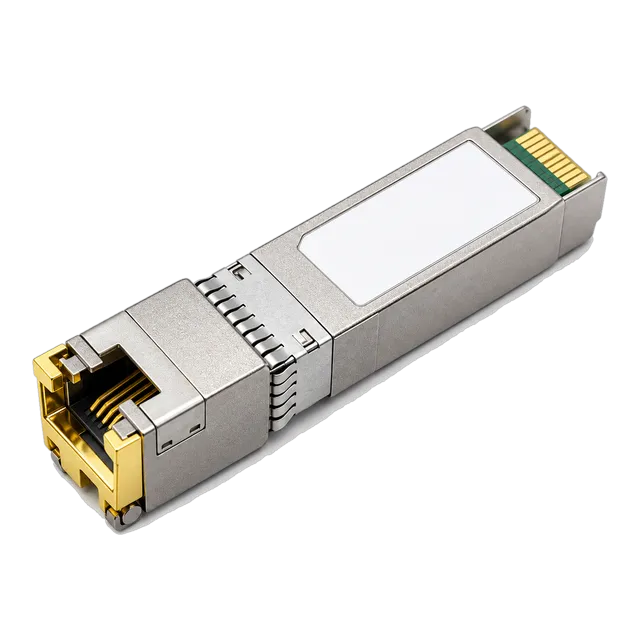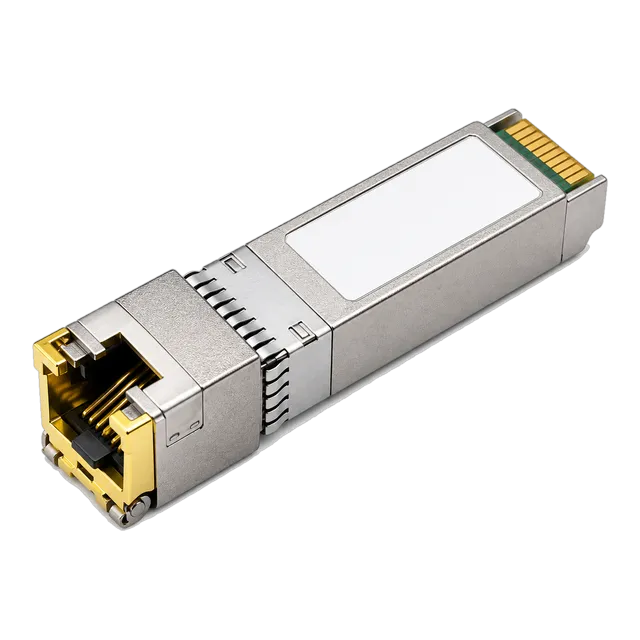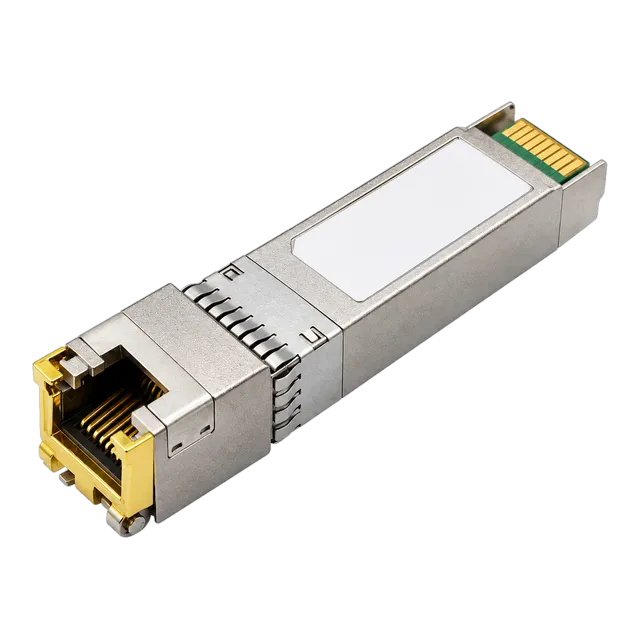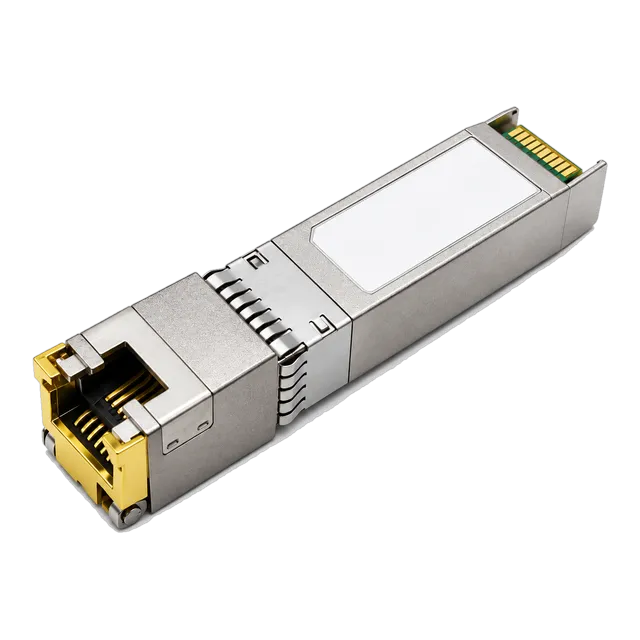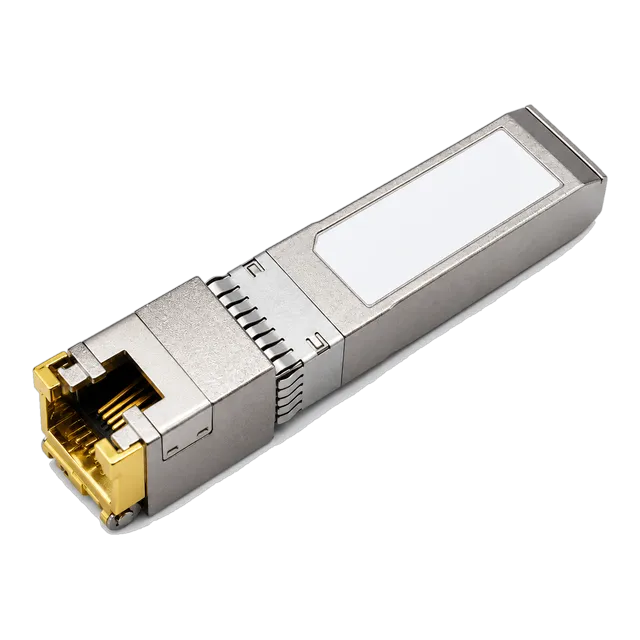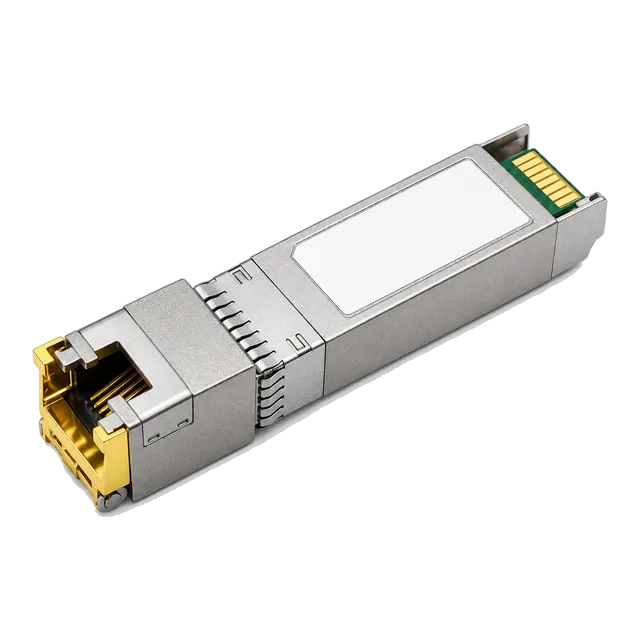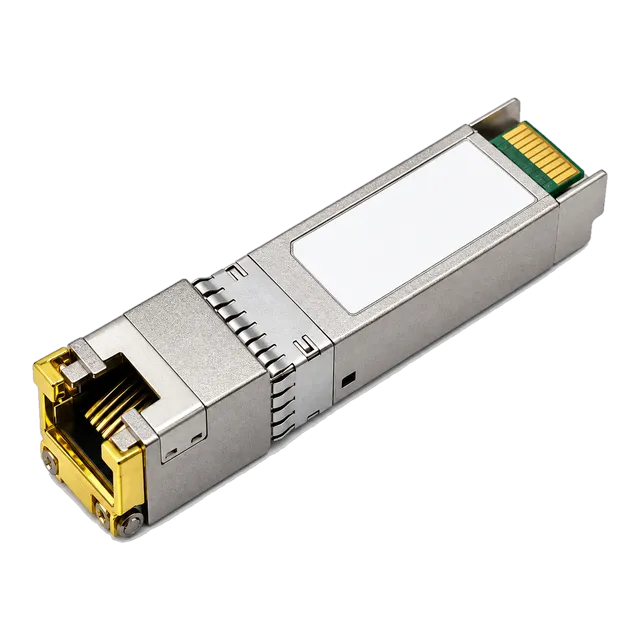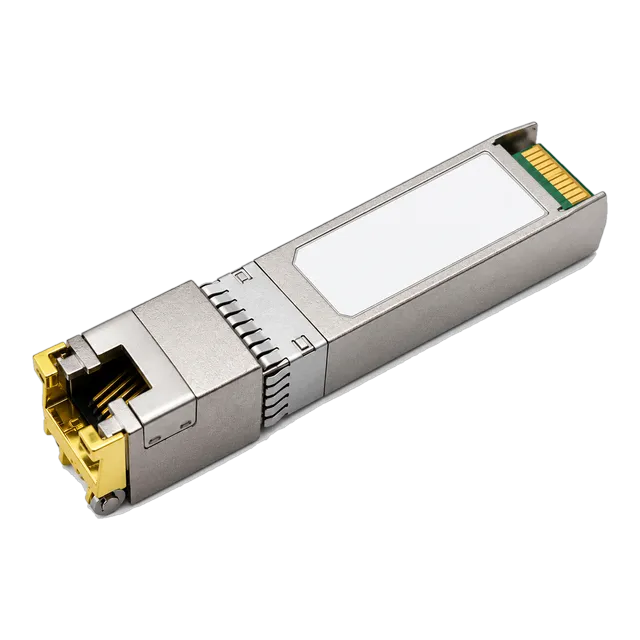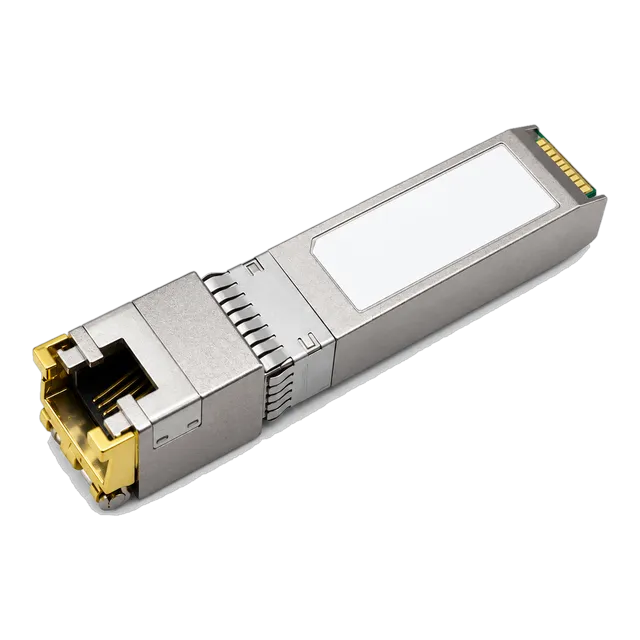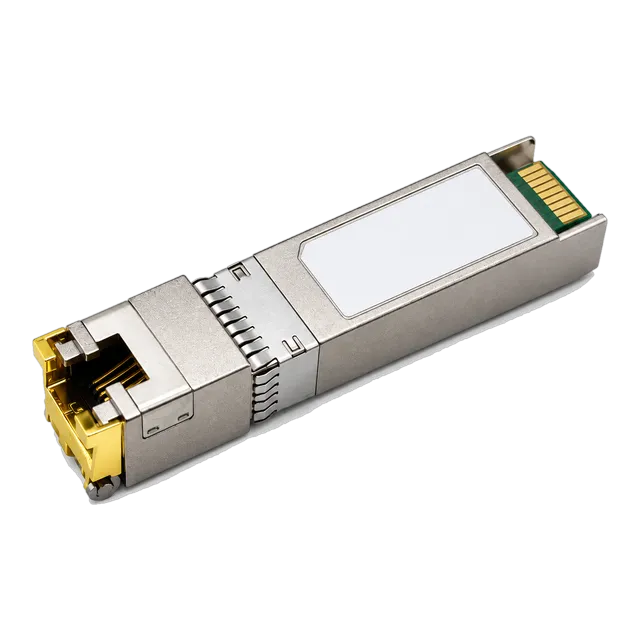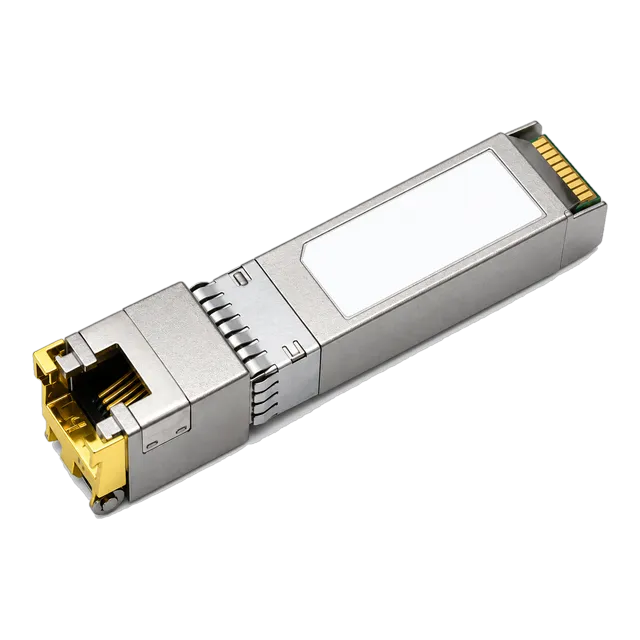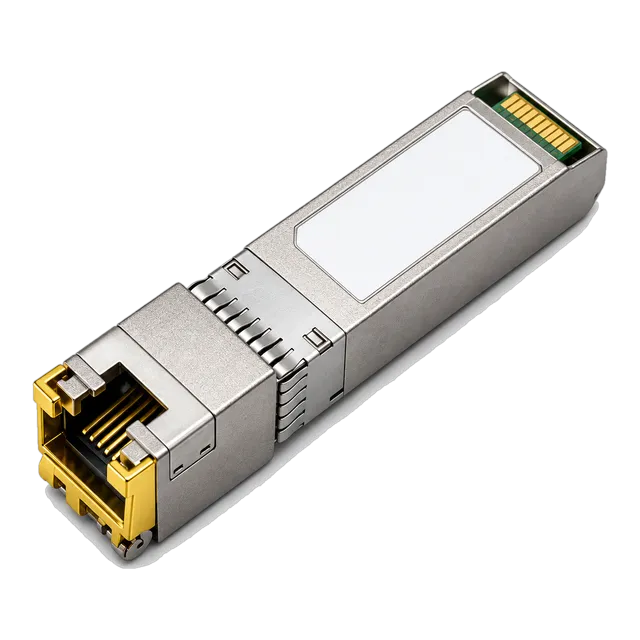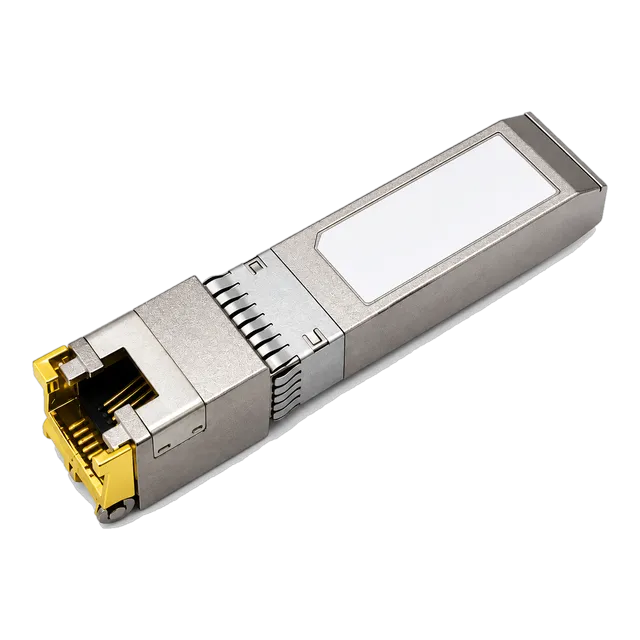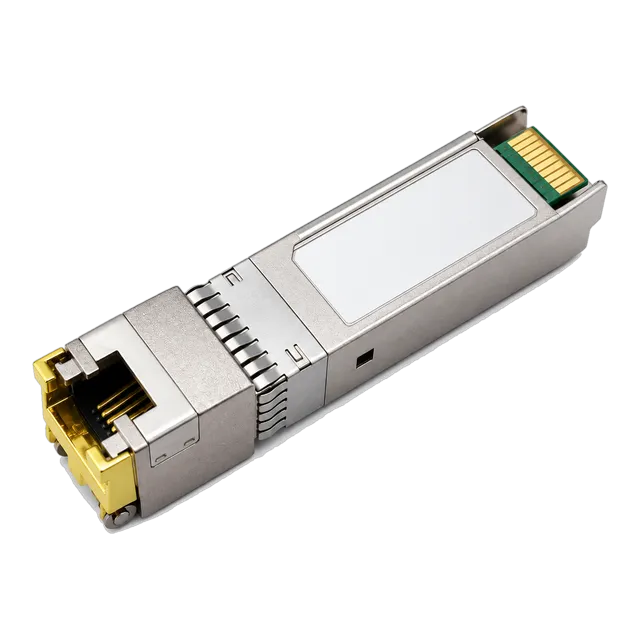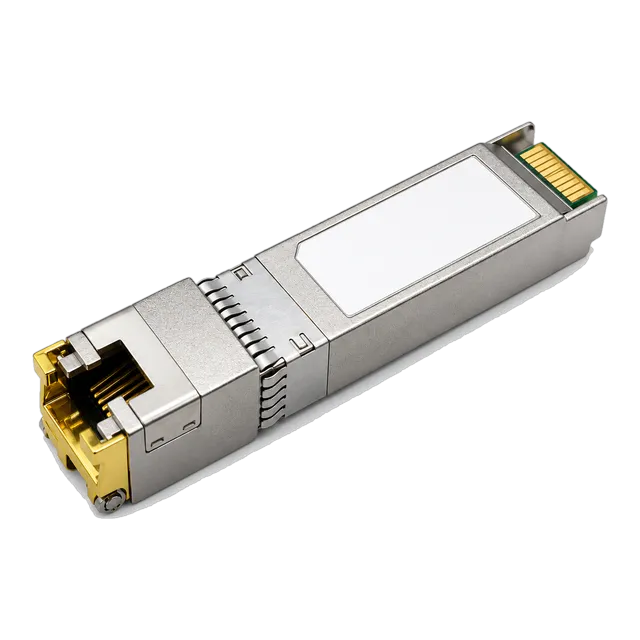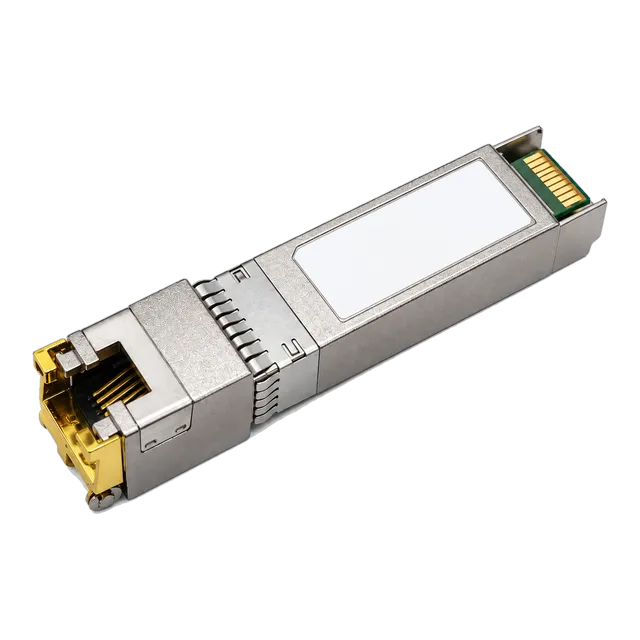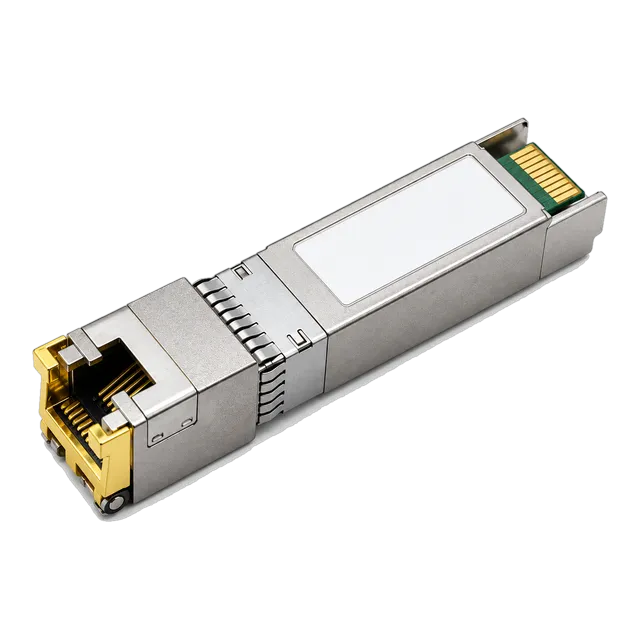
1000BASE-T SFP Copper RJ45 10/100/1000M Gigabit over Cat5
- Data Rate10 / 100 / 1000 Mbps
- Transmission Distance100 m (Cat5 / Cat6)
- Connector TypeRJ45 (Copper)


Copper RJ45 SFP · 21 models
Copper RJ45 SFP transceivers in 1000BASE-T and 10GBASE-T builds, reaching 100 m over Cat5e, Cat6 or Cat6a twisted pair. Specifications and enquiry.
Buying guide
A copper RJ45 SFP puts a twisted-pair Ethernet port into a fibre cage. It is the usual answer when a switch has run out of built-in copper ports, when a single device close to the rack needs to be connected without running fibre, or when an uplink has to reach equipment that only offers an RJ45 interface. Mechanically the module is an ordinary SFP or SFP+, hot-pluggable and supplied from 3.3 V, but instead of a laser it carries a copper PHY that does the Ethernet signalling.
This category covers two families. The 1000BASE-T modules auto-negotiate 10, 100 and 1000 Mb/s and reach 100 m over Cat5e or Cat6 cable, drawing under 0.4 W, which keeps them viable in densely populated switch chassis. The 10GBASE-T modules are SFP+ parts that reach up to 100 m over Cat6a or Cat7 cable and are listed in 30 m, 80 m and 100 m reach classes; several also auto-negotiate down through 5G, 2.5G, 1G and 100 Mb/s for mixed access networks. Digital diagnostics are supported on the 10G parts and on some of the Gigabit parts.
The two things that decide the model are the cabling installed and the power and heat the host can absorb. Copper PHYs consume far more power than optics at 10G, and the shorter reach classes exist precisely because they run cooler.
Models
Filter the family, then open a model for the full specification table, illustrations and ordering information.
Selection
Copper SFP variants in this range and the link each one suits.
| Variant | Rates | Typical reach | Cabling | Where it fits |
|---|---|---|---|---|
| 1000BASE-T SFP | 10 / 100 / 1000 Mb/s | 100 m | Cat5e or Cat6 | Adding copper ports to a fibre switch |
| 1000BASE-T SFP, low power | 10 / 100 / 1000 Mb/s | 100 m | Cat5e or Cat6 | Dense chassis where power budget is tight |
| 10GBASE-T SFP+, 30 m class | 10 Gb/s | 30 m | Cat6a or Cat7 | In-rack and adjacent-rack server links |
| 10GBASE-T SFP+, 80 m class | 10 Gb/s | 80 m | Cat6a or Cat7 | Floor distribution within a building |
| 10GBASE-T SFP+, 100 m class | 10 Gb/s | 100 m | Cat6a or Cat7 | Full-reach structured cabling runs |
| Multi-rate 10GBASE-T SFP+ | 10G / 5G / 2.5G / 1G | 100 m | Cat6a | Mixed-speed access and wireless uplinks |
| Auto-negotiating 10GBASE-T SFP+ | 10G / 1G / 100 Mb/s | 100 m | Cat6a or Cat7 | Access switches serving legacy devices |
Listed values describe the published range. Confirm the exact model datasheet, host coding and installed link before ordering.
Before you order
A 10GBASE-T PHY does a large amount of digital signal processing and dissipates several watts, far more than an optical module in the same slot. Some switches limit how many copper modules can be fitted, restrict them to particular ports, or require spacing between them. Check the switch documentation for that limit before filling a line card, and prefer the shortest reach class that covers the link, since a 30 m part runs cooler than a 100 m one. Adequate airflow in front of the ports matters as well.
The reach printed on a 10GBASE-T module assumes a properly installed Cat6a or Cat7 channel. Cat6 can carry 10G over shorter distances but is sensitive to alien crosstalk in dense bundles, and Cat5e is not a 10G medium at all. For Gigabit modules, Cat5e or Cat6 is fine to 100 m. If the cabling has not been certified, test the channel before assuming the link will make its rated distance, particularly where the run shares a bundle with many other cables.
Not every SFP or SFP+ port accepts a copper module, and some platforms support them only in named ports or only at particular speeds. Copper modules also rely on auto-negotiation with the far end, which can be disabled on older devices, so a port that stays down is often a negotiation setting rather than a faulty module. Confirm support in the switch documentation, confirm the coding the platform expects, and check the speed and duplex configuration at both ends.
A 10GBASE-T PHY introduces more latency than an optical link or a direct attach cable because of the block coding and equalisation it performs. For most enterprise traffic this is irrelevant, but for storage fabrics and latency-sensitive clustering it is a reason to use a direct attach cable or optics instead. Copper modules are best used where twisted pair is already installed or where the endpoint has no fibre interface, rather than as a default choice inside a rack.
FAQ
Not always. The module is mechanically a standard SFP or SFP+, but the host has to support copper modules in that port, and some platforms restrict them to particular ports or limit how many can be used because of power and heat. Check the switch documentation for supported module types, confirm the coding the platform expects, and check any limit on the number of copper modules per line card.
Use Cat6a or Cat7 for the full 100 m. Cat6 can carry 10G over shorter distances but is more exposed to alien crosstalk in dense bundles, and Cat5e is not suitable for 10G. Where the channel has not been certified, test it before relying on the rated distance. For 1000BASE-T modules, Cat5e or Cat6 carries the full 100 m without difficulty.
Reach and power consumption are linked in a copper PHY. A module built for 30 m does less signal processing and dissipates less heat than one built for 100 m, which matters when several are fitted in the same chassis. If the link is short, the shorter class is the better engineering choice. Order the longer class only where the cable run genuinely needs it.
Some of the 10GBASE-T modules in this range auto-negotiate down through 5G, 2.5G, 1G and 100 Mb/s, which suits access switches serving wireless access points and multi-rate devices. Not every part supports every rate, so check the specification of the specific model and confirm that the switch port also supports the intermediate rates rather than only 1G and 10G.
Related families
Next step
Send the host platform, the fibre you have and the distance you need. We will shortlist the models that actually work and quote them.