1.25G SFP UTP PoE Media Converter
- Data Rate10/100/1000M
- Wavelength850 / 1310 / 1550nm
- Transmission Distanceup to 40KM (550M / 2KM / 20KM / 40KM)


Media Converter · 4 models
Fiber media converters bridging Ethernet and fiber, including Gigabit SFP and PoE models, a 2.5G converter and an Ethernet over coax extender. Enquire now.
Buying guide
A media converter joins two different transmission media inside one Ethernet link. The most common job is fibre to copper: a fibre pair arrives at a site, the converter turns it into an RJ45 port, and equipment that has no fibre interface connects normally. That covers FTTx and broadband access, campus links that exceed the hundred metre copper limit, IP surveillance runs and small remote sites where installing a switch with fibre ports is not justified.
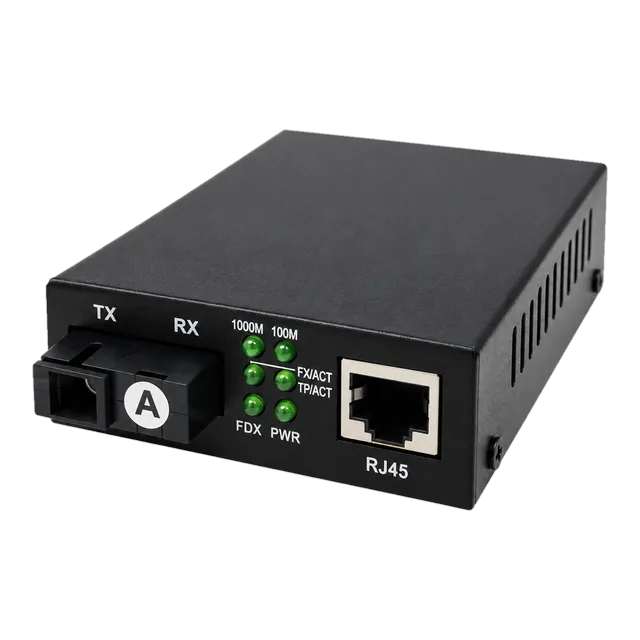
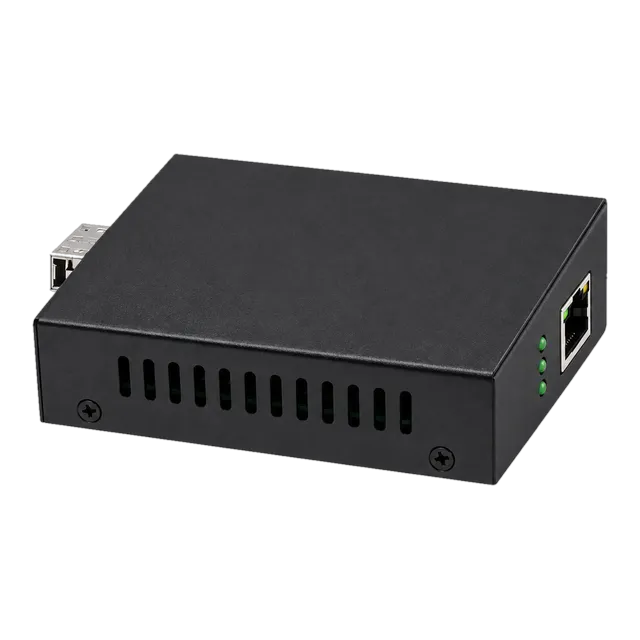
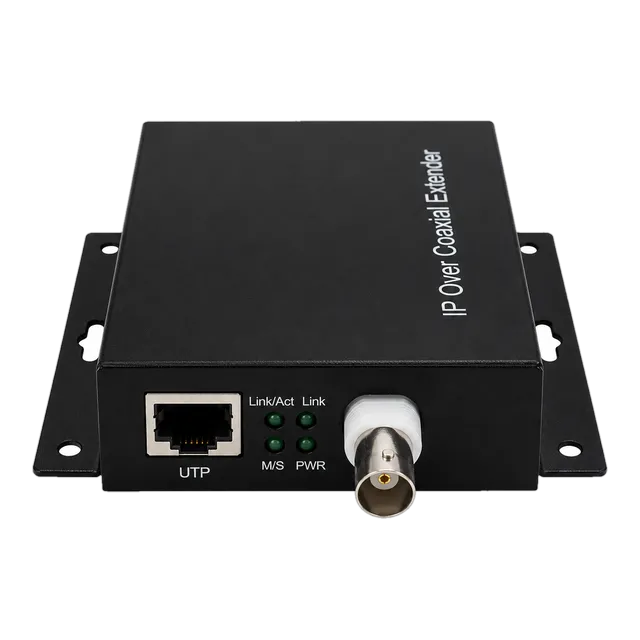
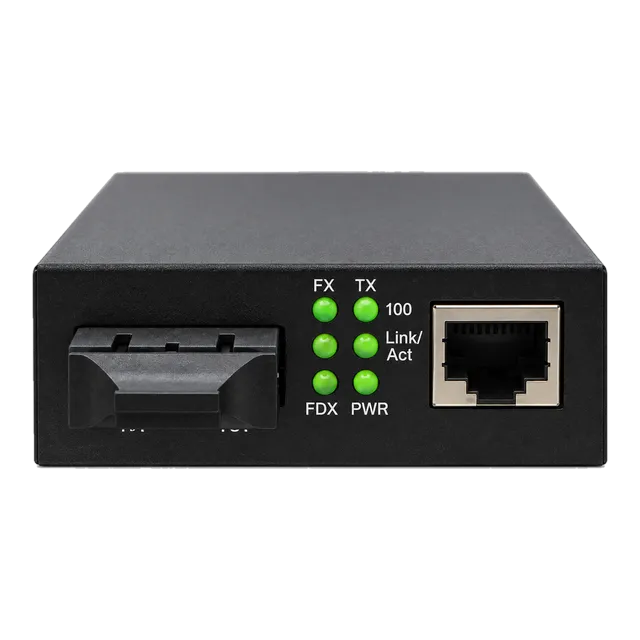
The units in this category fall into three groups. Gigabit converters handle 10, 100 and 1000 Mb/s and come either with an SFP cage, so the optic is chosen to suit the route, or with a fixed dual-fibre SC port at 1310 nm specified for 20 km. One Gigabit model adds Power over Ethernet at 48 to 57 V with up to 30 W per port, so an IP camera can be powered and connected over the same cable. A 2.5G converter pairs an SFP fibre port with a multi-rate RJ45 interface that runs at 100 Mb/s, 1 Gb/s or 2.5 Gb/s, which suits high-speed routers, storage devices and wireless backhaul. Separately, an Ethernet over coax converter carries a 10 or 100 Mb/s IP link along existing coaxial cable for up to 1500 m, used in pairs to modernise legacy surveillance cabling without pulling new fibre.
Specify the rate, the media on both sides, the reach, the power source and whether PoE is needed.
Models
Filter the family, then open a model for the full specification table, illustrations and ordering information.
Selection
Matching the link you need to a converter and the optic that goes with it.
| Link required | Fiber module or medium | Typical reach | Converter to use |
|---|---|---|---|
| In-building multimode run | 850 nm SFP over OM3 | up to 550 m | Gigabit SFP converter, PoE or standard |
| Short single-mode run | 1310 nm SFP | 2 km | Gigabit SFP converter |
| Campus single-mode run | 1310 nm SFP or fixed SC model | 20 km | Gigabit SFP or fixed dual-fibre SC converter |
| Long single-mode run | 1550 nm SFP | 40 km | Gigabit SFP converter |
| High-speed uplink | 1G or 2.5G SFP | Per module selected | 2.5G converter with multi-rate RJ45 |
| Powered IP camera at the far end | Fibre in, PoE out on RJ45 | 100 m of copper from the converter | Gigabit PoE converter, up to 30 W per port |
| Reuse of existing coaxial cabling | Coaxial cable with BNC | up to 1500 m | Ethernet over coax converter, used in pairs |
Listed values describe the published range. Confirm the exact model datasheet, host coding and installed link before ordering.
Before you order
A converter with a fixed fibre port is simpler to deploy and there is no module to specify, but the wavelength, connector and reach are decided at purchase and cannot be changed. A converter with an SFP cage lets the same hardware serve a 550 m multimode run and a 40 km single-mode run, and lets a failed optic be replaced without swapping the unit. Where a site has several different route lengths, or where the fibre plant may change, the SFP based unit is easier to live with.
Converters are frequently deployed at remote ends where mains power is inconvenient, and the models here take different inputs, including AC 100 to 240 V, DC 48 V, DC 12 V and DC 5 V. Confirm what is available at each end and specify the matching supply, including the plug type for the destination country. Where the far end is unattended, consider how the unit will be power cycled, and remember that a PoE converter needs enough input power for both itself and the devices it feeds.
The PoE model supplies IEEE 802.3af and 802.3at power at up to 30 W per port, which covers most fixed and many pan-tilt-zoom cameras, access points and door controllers. Check the class of the powered device, not just its idle draw, because heaters, infrared illuminators and motors raise the peak requirement well above the average. Remember that the copper side is still limited to 100 m, so the converter has to be sited within that distance of the powered device.
The Ethernet over coax unit converts an RJ45 signal onto coaxial cable and needs a second unit at the other end, configured as the opposite role. It is a practical way to bring IP cameras to a site already wired with coax, since the 1500 m figure is far beyond the 100 m limit of twisted pair. Throughput is shared and lower than a fibre link, so plan camera counts and stream bitrates accordingly rather than treating it as a full 100 Mb/s path.
FAQ
It joins two transmission media within one Ethernet link, most often converting a fibre pair to an RJ45 copper port. That lets equipment with no fibre interface connect over a fibre route, extends a link beyond the 100 m copper limit, and terminates FTTx and campus fibre at small sites where a switch with fibre ports would be unnecessary. Converters are deployed in pairs or against a fibre port on a switch.
Not always. A fibre to copper converter can face a switch that already has a fibre port, in which case only one unit is needed and the optics at both ends must match in wavelength and reach. Where neither end has a fibre port, two converters are used. The Ethernet over coax model is different and always works as a pair, with one unit at each end of the coaxial run.
The PoE model can. It supplies IEEE 802.3af and 802.3at power at up to 30 W per port over the same cable that carries data, which suits cameras, access points and similar devices. Check the power class of the device rather than its average consumption, since illuminators and motors raise the peak. The copper side still has a 100 m limit, so site the converter within that distance.
Choose the module from the route rather than the converter. An 850 nm multimode module covers in-building runs to about 550 m, a 1310 nm single-mode module covers 2 km and 20 km spans, and a 1550 nm module covers around 40 km. The module at the far end has to match in wavelength and reach class, and single-fiber BiDi modules must be used as opposite-wavelength pairs.
Related families
Next step
Send the host platform, the fibre you have and the distance you need. We will shortlist the models that actually work and quote them.