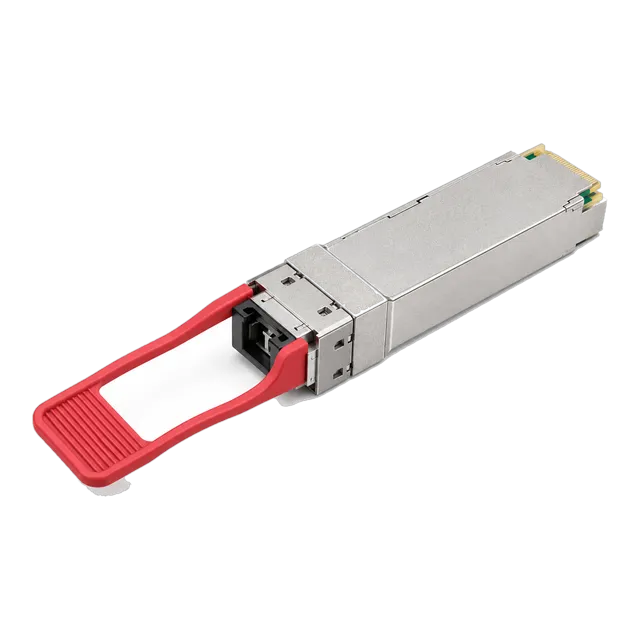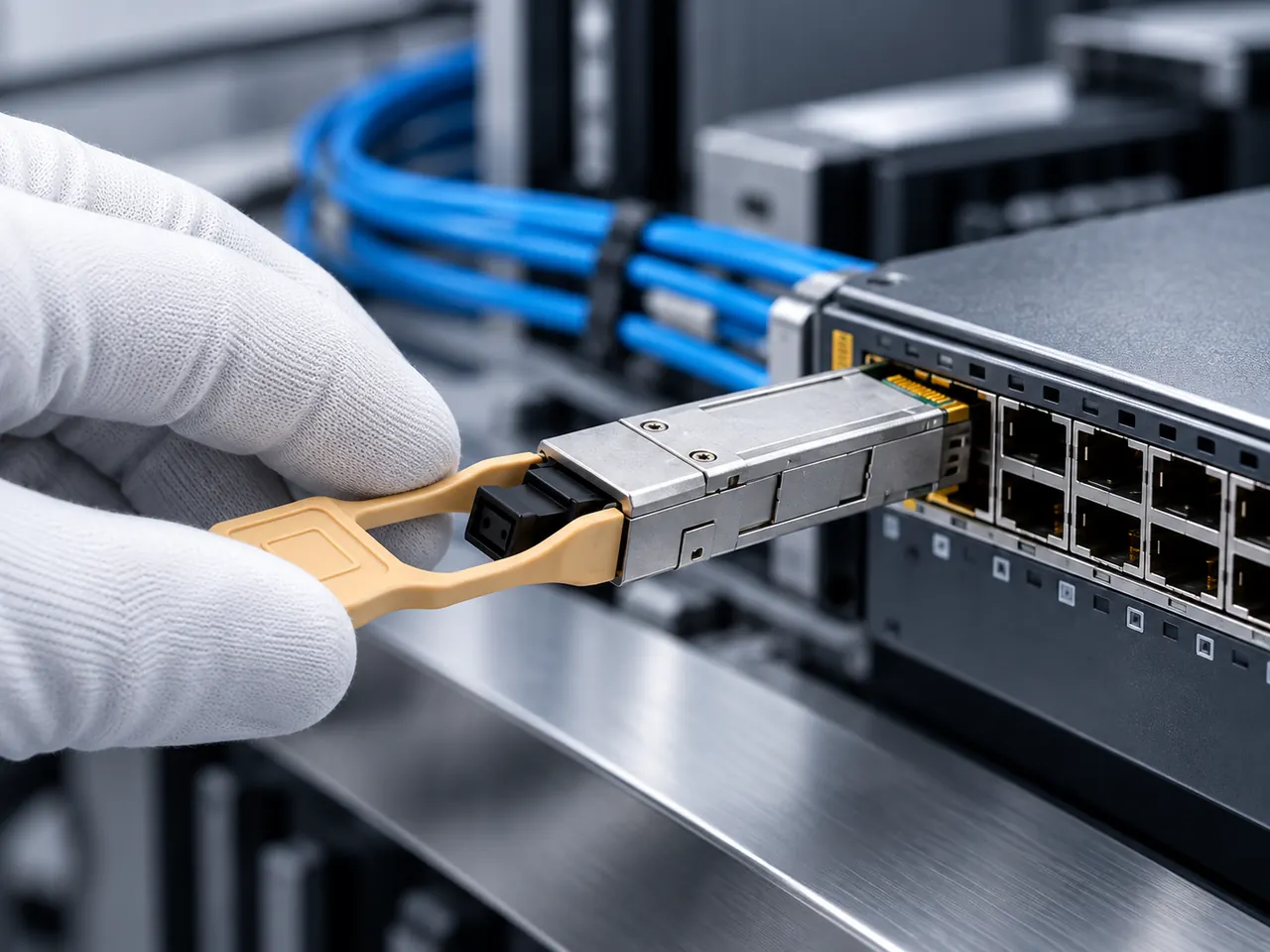
A transceiver is chosen by five facts working together: host port and coding, data rate, media and fiber grade, measured link loss against the module budget, and operating environment.
01Start with the host port, not the module
Selection begins with the equipment that will hold the module. Record the switch, router or network adapter manufacturer, the exact model and hardware revision, the software or firmware version, and the physical cage type of the port you intend to populate. Note whether the port is a fixed uplink, part of a line card, or one of a group that shares a forwarding block, because grouped ports often share configuration constraints such as speed or breakout mode. Check the platform documentation for ports that are restricted to particular speeds, ports that cannot be split, and ports that behave differently when neighbouring ports are populated. Also confirm how many ports on the chassis will be filled at once, since a fully loaded faceplate has different thermal behaviour than a half-populated one. Everything that follows in this guide depends on those host facts being written down accurately before any part number is discussed.
02Separate data rate from form factor
Form factor describes the mechanical and electrical envelope; data rate describes the traffic the module carries. They are related but not interchangeable. SFP normally carries 100 Mb/s to 1.25 Gb/s, SFP+ carries 10 Gb/s, SFP28 carries 25 Gb/s, QSFP+ carries 40 Gb/s as four 10 Gb/s electrical lanes, and QSFP28 carries 100 Gb/s as four 25 Gb/s lanes. A cage is usually backward tolerant within its family, so an SFP module often operates in an SFP+ cage and an SFP+ module in an SFP28 cage, but only if the host software allows the port to run at the lower speed. That permission is a platform matter, not an optics matter. Write the requirement as a pair, for example twenty-four ports of SFP28 running at 25 Gb/s, rather than as a single word such as twenty-five gig, which leaves the cage ambiguous.
03Choose the transmission medium early
Three media compete for short links and the decision changes everything downstream. Structured fiber with pluggable optics gives the longest reach and the cleanest upgrade path, but adds patch panels, cleaning and loss budgeting. Direct attach copper and active optical cables replace both modules and patch cords with a single assembly, which is efficient inside a rack but fixes the length at purchase time. Copper RJ45 modules such as the 1000BASE-T SFP Copper RJ45 Gigabit 100m and the 10G SFP+ Copper RJ45 10GBASE-T 100m Cat6a/Cat7 in our catalog let a fiber-oriented switch terminate existing twisted pair, at the cost of higher port power and additional latency. Decide the medium per link, not per site. A single distribution switch commonly carries copper to access devices, direct attach to adjacent servers, and single-mode optics to the core, and the bill of materials should reflect that mix explicitly.
04Read the reach designation, not the headline distance
Standards designations carry more information than a distance in kilometres. 1000BASE-SX means 850 nm over multimode; 1000BASE-LX means 1310 nm over single-mode with a defined launch; 10GBASE-SR, 10GBASE-LR and 10GBASE-ER describe 10 Gb/s at 850 nm, 1310 nm and 1550 nm respectively. 25GBASE-SR and 25GBASE-LR follow the same pattern at 25 Gb/s, and 100GBASE-SR4, 100GBASE-CWDM4 and 100GBASE-LR4 describe parallel multimode, four-wavelength coarse WDM and four-wavelength single-mode approaches to 100 Gb/s. The designation tells you the wavelength plan, the fiber type, the connector family and the expected budget in one token, which is why a request should quote it. Reach figures published against a designation are the standard's worst-case guarantee under defined loss; a module listed at a longer distance is relying on better components or better fiber and should be confirmed against the model datasheet.
05Build an optical power budget before choosing reach
Reach in a catalog is a summary of a budget calculation, and a link only works if your own numbers fit. Take the module's minimum transmit power and subtract the worst-case receiver sensitivity to get the available budget. Then add the losses your route will actually impose: roughly 0.35 dB per kilometre at 1310 nm and roughly 0.22 dB per kilometre at 1550 nm on single-mode fiber, around 3 dB per kilometre at 850 nm on multimode, 0.3 to 0.75 dB per mated connector pair depending on quality, and about 0.1 dB per fusion splice. Include every patch panel, not only the outside plant. Leave a design margin, commonly 3 dB, for ageing, future re-patching and repair splices. If the result exceeds the module budget, move to a longer-reach variant or a different wavelength rather than hoping for typical rather than worst-case parts.
Also check the other end of the range. High-power long-reach modules can saturate a receiver on a short link, so an attenuator may be part of the order.
06Match the fiber grade that is already installed
The installed cable plant usually decides the module, not the other way round. Single-mode fiber to ITU-T G.652.D is the normal choice for anything beyond a building and supports every wavelength plan discussed here. Multimode fiber is graded OM1 through OM5, and the differences matter at high rate: OM3 and OM4 are laser-optimised 50 micron fibers that carry 10, 25, 40 and 100 Gb/s at short distance, while OM5 adds wideband performance intended for short-wavelength division multiplexing. Legacy OM1 62.5 micron fiber severely limits 10 Gb/s and above. Confirm the grade from the cable jacket print, the as-built drawings or a test report rather than from the patch cord colour, since aqua and lime jackets are widely reused. Where a site mixes grades between buildings, treat each segment separately; a link is limited by its weakest fiber section, not by its average.
07Connectors, polarity and patching
Duplex LC is the default for two-fiber links at every rate in common use, SC still appears on older single-mode plant and on media converters, and MPO-12 or MTP-12 is used for parallel optics such as 40GBASE-SR4 and 100GBASE-SR4. Single-fiber BiDi modules use a simplex LC or simplex SC. Confirm which the module carries before ordering patch cords, because a simplex LC cannot be served by a duplex assembly without an adapter. Parallel links add polarity to the decision: MPO cabling is deployed in method A, B or C, and the method must be consistent from end to end so that transmit lanes land on receive lanes. Pinned and unpinned MPO ends must also alternate correctly. Record the chosen method in the cabling documentation, since a polarity mistake presents as a dark link that looks identical to a failed module.
08Decide the wavelength plan
Three approaches are common. Grey dual-fiber optics use one wavelength in each direction on two strands and are the simplest to stock and troubleshoot. Single-fiber BiDi optics use two different wavelengths on one strand and are purchased as complementary pairs, for example the 1.25G BiDi Single-Fiber SFP Transceiver 1310nm/1550nm 20km or the 10G SFP+ BiDi BX20 20km 1270/1330nm Single-Fiber Simplex in our catalog. Wavelength division approaches multiplex several channels onto one pair; at 100 Gb/s this appears inside the module itself as CWDM4 or LWDM4, as in the 100GBASE-CWDM4 QSFP28 1310nm 2-10km Duplex LC SMF DOM. Choose BiDi when fiber strands are scarce or leased by the strand, grey optics when strands are plentiful, and passive WDM only when you are prepared to manage a channel plan and its insertion loss.
09Temperature grade, power draw and airflow
Two grades dominate: commercial modules rated 0 to 70 degrees Celsius and industrial modules rated minus 40 to 85 degrees Celsius. The relevant temperature is the air entering the cage, not the room. Sealed roadside cabinets, ceiling voids, rolling stock and unconditioned plant rooms routinely exceed a commercial rating even in temperate climates, and a module that drifts outside its case temperature range typically shows wavelength drift and rising bias current before it fails outright. Power matters as well. Copper 10GBASE-T modules draw substantially more than optical modules of the same speed and can force a lower port density or a restriction on adjacent ports on some platforms. Where our catalog lists both grades for a family, state the grade in the request rather than assuming, because the industrial variant is a different build and usually a different price and lead time.
10Coding and platform compatibility
Every pluggable module carries an EEPROM that identifies vendor, part number, serial number and capabilities. Host platforms read that data, and many refuse to enable a port, or raise a warning, when the contents do not match what their software expects. Modules therefore have to be coded for the intended platform, and the coding is specific to the host family rather than universal. State the target platform for each line of the bill of materials, including the software version, since behaviour can change across releases. Where a site runs several platforms, expect to order the same optical specification under more than one coding and keep them physically separated in stores. No supplier, ourselves included, can speak for a host manufacturer's certification or approval programme; the practical assurance is a documented sample test in your own equipment, followed by production shipments built to the coding confirmed in that test.
11Diagnostics and manageability
Digital diagnostics monitoring, also written DOM, exposes module temperature, supply voltage, laser bias current, transmit optical power and received optical power through the host's management interface. It is the cheapest troubleshooting tool in an optical network and should be a stated requirement rather than an assumed one. Confirm that the modules you order support it, that the host software reads and can alarm on it, and that your monitoring system polls and stores the values so that a slow degradation is visible as a trend. Also agree what happens with the readings: a baseline reading taken at commissioning is what makes a later value meaningful. Note that direct attach copper assemblies and copper RJ45 modules expose little or no optical data, so links built on those media need interface error counters and cable testing instead.
12Turn the decision into a request for quotation
A request that a supplier can price and review without a round of questions contains, for each distinct link type: host platform and software version, form factor and data rate, standards designation, fiber type and grade, connector type and polarity method where relevant, route length and measured or estimated loss, wavelength plan including BiDi end assignment, temperature grade, DDM requirement, quantity with spares, and required labelling or packaging. Add the commercial frame: target delivery date, destination, incoterm, and whether samples are needed before the production order. Keep one line per link type rather than merging similar links, because two links that differ only in reach will need two part numbers. Listed reach and specifications must be confirmed against the model datasheet for the item finally quoted, since a family page often covers several variants.
13Frequently asked questions
How do I know which transceiver is compatible with my switch?
Compatibility has two parts. The port must physically and electrically accept the form factor and speed, which the platform documentation states, and the module EEPROM must be coded so the host software accepts it. Supply the switch model, hardware revision and software version with your enquiry so the module can be coded for that platform, then validate a sample in the actual port before committing to a production quantity.
Can I use a 10G SFP+ module in a 25G SFP28 port?
Mechanically the SFP28 cage accepts an SFP+ module, and many platforms support running such a port at 10 Gb/s. Whether the port can be configured down to 10 Gb/s, and whether that setting affects neighbouring ports in the same group, is decided entirely by the host platform and its software. Check the platform documentation for the specific port group before ordering.
What is the difference between single-mode and multimode transceivers?
Multimode modules use 850 nm VCSEL sources over 50 micron OM3, OM4 or OM5 fiber and cover tens to a few hundred metres. Single-mode modules use 1310 nm or 1550 nm lasers over 9 micron G.652.D fiber and cover kilometres to tens of kilometres. They are not interchangeable at either end, and a link must use the same fiber type and the same module type throughout.
How much optical margin should I design into a fiber link?
Calculate the link loss from measured or estimated values: fiber attenuation, roughly 0.3 to 0.75 dB per mated connector pair and about 0.1 dB per fusion splice. Compare that to the module budget, which is minimum transmit power minus worst-case receiver sensitivity, and keep a margin, commonly 3 dB, for ageing, repair splices and future re-patching.
Do I need DDM or DOM on every transceiver?
It is not mandatory, but it is inexpensive insurance on any link you would have to troubleshoot remotely. DDM reports temperature, voltage, bias current, transmit power and receive power, which distinguishes a dirty connector from a failing laser without a site visit. Specify it explicitly in the request, confirm the host reads it, and record baseline values at commissioning.
Technical review note: confirm model-specific specifications with the product datasheet and the intended host documentation. Product images and application photographs are illustrative.
Discuss this with our team