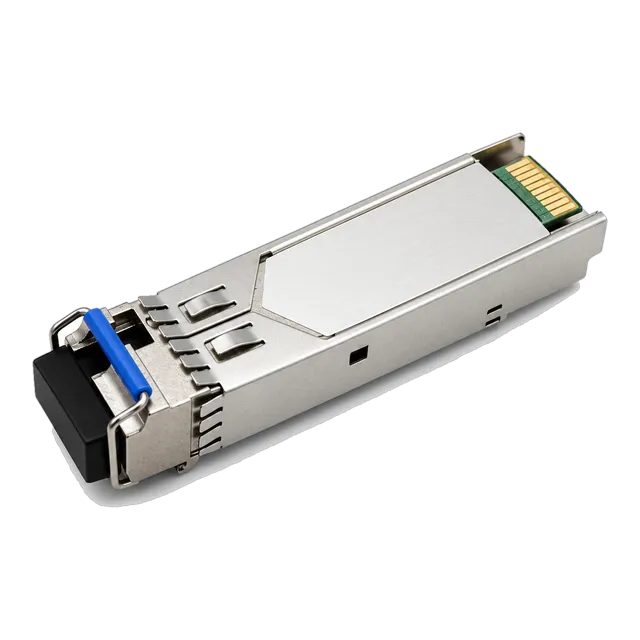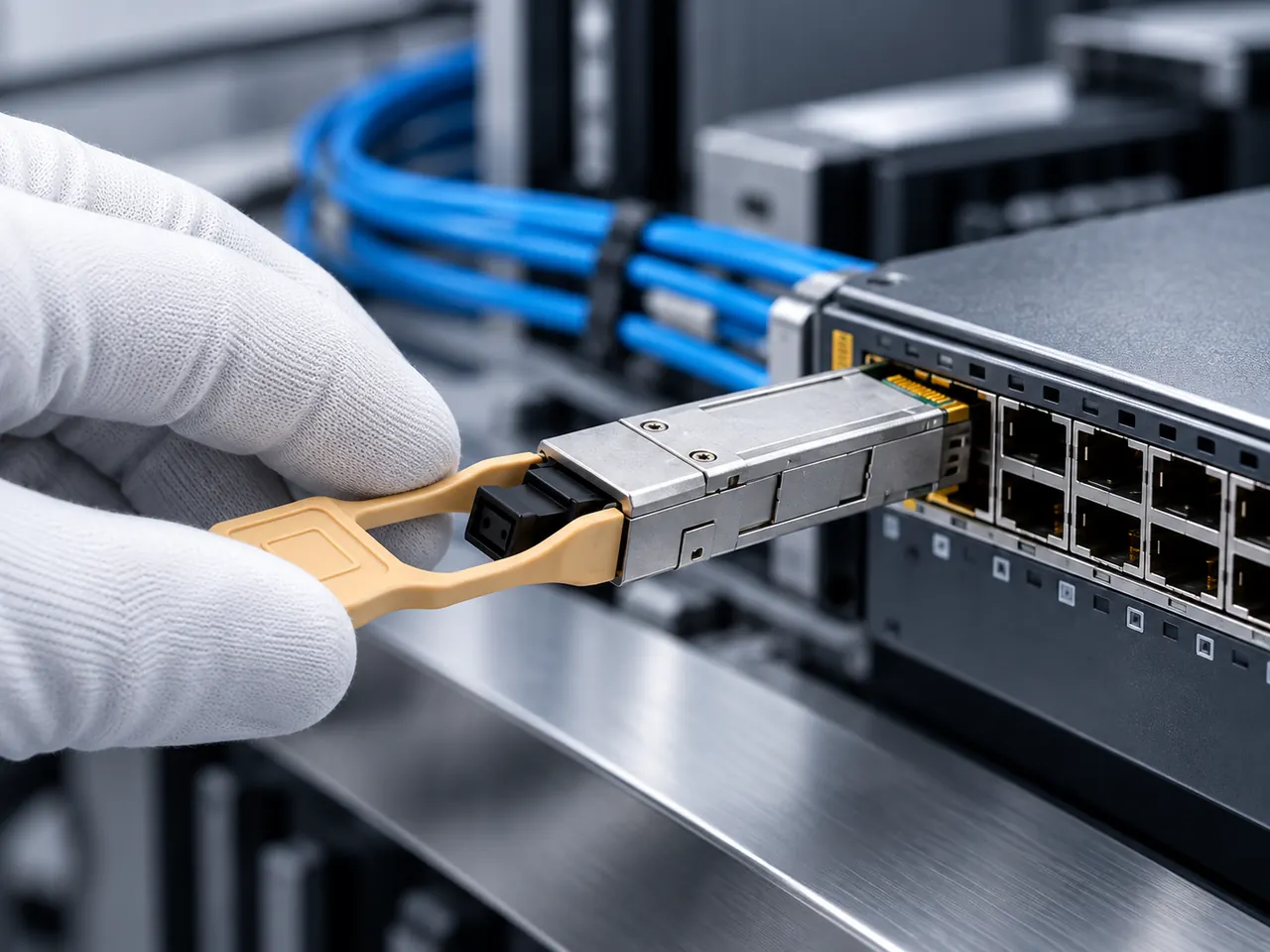
A BiDi link is an ordered pair, not two identical modules: each end must transmit on the wavelength the other end receives, and spares must be stocked as pairs.
01How a single-fiber link works
A conventional optical link uses two fibers, one for each direction, and both modules transmit and receive on the same wavelength. A bidirectional module instead multiplexes both directions onto one strand using a filter inside the housing: it transmits at one wavelength and receives at another, and the module at the far end does the reverse. The connector is therefore simplex rather than duplex, an LC or SC with a single ferrule. The practical benefit is that a link consumes one strand instead of two, which matters when strands are leased by the pair, when a duct is full, or when a surveillance route was built with minimal fiber count. The practical cost is that the two ends are no longer interchangeable, which changes how you order, label and stock them.
02The upstream and downstream convention
BiDi modules are supplied in complementary variants, usually labelled U and D for upstream and downstream, or A and B. A module described as 1270/1330 transmits at 1270 nm and receives at 1330 nm; its partner is described as 1330/1270 and does the opposite. The convention of writing transmit first is widespread but not universal, so read the specification rather than the short name. Our catalog makes this explicit on several items, for example the 10G SFP+ BiDi BX20 20km Tx1330/Rx1270nm Simplex LC SMF DDM, where transmit and receive wavelengths are spelled out. Many BiDi modules also use a colour-coded bail latch so that the two variants can be told apart in a drawer. Confirm the colour convention with the supplier; it is a convenience, not a standard, and colours differ between manufacturers.
03Common wavelength pairings by data rate
Gigabit BiDi commonly uses 1310/1550 nm, and our catalog lists that pairing at 20 km and 40 km in both LC and SC simplex forms. A 1310/1490 nm pairing also appears, for instance in the 1.25G BiDi SFP 1310nm/1490nm 60km LC DDM Single-Fiber and the 1.25G BiDi SFP 3km Tx1310nm/Rx1490nm Simplex LC SMF DDM. At 10 Gb/s the usual short and medium reach pairing is 1270/1330 nm, as in the 10G SFP+ BiDi BX20 and BX60 items, while longer reaches move to 1490/1550 nm, as in the BX80 and BX100 items. At 25 Gb/s our catalog includes both a 1270/1330 nm pairing and a closely spaced 1295/1309 nm pairing for 80 km. At 100 Gb/s single-fiber modules use pairs around 1271/1331 nm or an LWDM plan. Different pairings are not interoperable with each other.
04Both ends must come from a matched set
A BiDi pair only works if the transmit wavelength of one end falls inside the receive passband of the other. Nominal wavelengths are therefore not sufficient on their own; the filter passband and the tolerance around the nominal wavelength both matter, particularly for closely spaced plans such as 1295/1309 nm where the separation is small. The safe practice is to source both ends of a link from the same product family and preferably the same shipment, and to avoid mixing a module from one manufacturer with a partner from another simply because the wavelength labels appear to match. Where a link crosses an organisational boundary and the far end is owned by a carrier or a customer, obtain their module specification in writing and check both the wavelength pairing and the reach class before ordering your end.
05Loss budget on a single strand
Calculate the budget the same way as for a dual-fiber link, with one addition. Take minimum transmit power minus worst-case receiver sensitivity to get the available budget, then subtract route attenuation at roughly 0.35 dB per kilometre at 1310 nm and roughly 0.22 dB per kilometre at 1550 nm, 0.3 to 0.75 dB per mated connector pair, and about 0.1 dB per fusion splice, and keep a design margin of around 3 dB. The addition is the insertion loss of the WDM filter inside each module, which the manufacturer has already accounted for in the published sensitivity and transmit power, so do not subtract it twice; what you must do is use the module's own published figures rather than those of a grey module of nominally the same reach. Note also that the two directions can have different loss because the two wavelengths attenuate differently.
06Reflectance matters more on one strand
On a single-fiber link, the transmitter and the receiver at the same end share a strand, so light reflected from a poor connection can return towards the local receiver and degrade the signal. Contamination, a poorly polished end face, a badly mated connector or a broken fiber near the module all raise reflectance. This is why BiDi links are noticeably less tolerant of dirty end faces than dual-fiber links, and why a link that worked at commissioning can degrade after a patching change. Use angled physical contact connectors where the design calls for them, inspect and clean every simplex connection with a scope before mating, and treat any unexplained rise in error counters on a BiDi link as a connector cleanliness question before it is treated as a module question.
07Connector and patch cord discipline
A simplex connector needs a simplex patch cord, and a duplex cord cannot be used without splitting or an adapter. Check which connector the module carries: our catalog lists BiDi modules with simplex LC, for example the 1.25G SFP BiDi Module 20km 1310nm/1550nm Single-Fiber LC, and with simplex SC, for example the 1.25G SFP BiDi Optical Module 20km 1310nm/1550nm SC. Media converter and CCTV installations frequently use SC because the existing plant does. Order the matching simplex cords, adapters and dust caps at the same time as the modules, and make sure the site has them before the installation visit. Sourcing a handful of simplex cords in a hurry has delayed more BiDi commissioning windows than any wavelength error, because they are less commonly stocked than duplex assemblies.
08Labelling so that the pairing survives the installation
Once a BiDi module leaves the packaging its wavelength assignment is only visible from a small printed label. Decide before the installation which end of each link takes the upstream variant and which takes the downstream variant, then write that into the cabling schedule alongside the port and panel references. Label both the module and the port. Where a site has several BiDi links, adopt a single rule, for example that the aggregation end always carries the same variant, so that a technician arriving without documentation still has a working assumption. Include the wavelength pair in the label text rather than only the U or D suffix, because suffix conventions vary between manufacturers and a bare letter is ambiguous once several product families are present in the same room.
09Stocking spares as pairs
A stores department that treats BiDi modules as a single line item will eventually hold twenty of one variant and none of the other. Create two separate stock codes per link type, one per variant, and set minimum levels on both. Consider holding a small number of complete pairs sealed together as an emergency kit, so that a field engineer can replace both ends of a short link without needing to know which variant failed. When a site has links at several reaches, remember that a 20 km variant is not a substitute for a 60 km variant even when the wavelength pairing is identical, because the transmit power and sensitivity differ. Record the reach class in the stock code as well, and review the holding whenever a new link type is introduced.
10Commissioning checks for a BiDi link
After installation, read the diagnostic data at both ends before declaring the link good. Confirm that each end reports transmit power inside the datasheet range, that each end reports receive power comfortably above worst-case sensitivity and below any overload limit, and that the two directions are within a few decibels of the loss you predicted. A large discrepancy between the two directions on a single strand usually points to a wavelength-dependent problem such as a tight bend, which attenuates the longer wavelength more severely. Record the readings as the baseline for that link. Then run traffic for a soak period and check interface error counters; a BiDi link that is up but accumulating errors is often reporting a reflectance or cleanliness problem rather than a module fault.
11Where BiDi is the right answer, and where it is not
BiDi is well suited to access and aggregation links where strand count is the binding constraint: leased dark fiber charged per strand, FTTX distribution, IP surveillance runs to cameras and gate stations, and media converter deployments such as those served by the 1.25G SFP UTP PoE Media Converter in our catalog. It is less attractive where strands are plentiful and cheap, because it costs more per module, halves the flexibility of spares, and complicates fault finding. It is also a poor fit where the path may later be reused for passive wavelength multiplexing, since the BiDi wavelengths occupy channels a future plan may want. Decide per route, and document the reason so that the next engineer understands why one strand was used rather than two.
12What to include in the request
For each BiDi link type, state the data rate and form factor, the wavelength pairing written as transmit and receive for each end, the reach class, the connector type and whether simplex LC or simplex SC, the fiber type, the temperature grade, the DDM requirement, the host platform and software version at each end for coding, and the quantity of each variant separately rather than a combined total. Add whether you want the variants shipped separately labelled or supplied as sealed pairs. Ask for the model datasheet covering the exact pairing quoted, since a family page frequently spans several wavelength plans and reaches, and listed reach and specifications must be confirmed per model before the order is placed.
13Frequently asked questions
What does BiDi mean on an SFP module?
BiDi means bidirectional: the module sends and receives over a single fiber strand instead of two, using a different wavelength in each direction and an internal filter to separate them. The connector is simplex rather than duplex. Modules are supplied in complementary variants, so one end transmits on the wavelength the other end receives, and the two are not interchangeable.
How do I know which BiDi module goes at which end?
Read the transmit and receive wavelengths from the specification rather than relying on a U or D suffix, whose convention varies between manufacturers. One end must transmit at the wavelength the other receives. Decide the assignment during design, record it in the cabling schedule with the port references, and label both the module and the port with the full wavelength pair.
Can I mix BiDi modules from different suppliers at each end?
It is best avoided. Interoperability depends not only on nominal wavelengths but on filter passband and wavelength tolerance, which are not always published in enough detail to compare. Source both ends from the same family and preferably the same shipment. Where the far end belongs to a carrier or customer, obtain their module specification in writing and confirm the pairing and reach class before ordering.
Why is my BiDi link showing errors in only one direction?
The two directions use different wavelengths and therefore experience different loss. A tight bend, a stressed fiber or a poor connection attenuates the longer wavelength more than the shorter one, so an asymmetric result usually points at the physical path rather than the module. Read the receive power at both ends, compare with your predicted loss, then inspect and clean the simplex connectors.
Does a BiDi link need special patch cords?
It needs simplex patch cords and adapters matching the module connector, either simplex LC or simplex SC. A standard duplex assembly cannot be used directly. Order the cords, adapters and dust caps with the modules and confirm they are on site before the installation visit, since simplex assemblies are stocked less widely than duplex ones and are a common cause of delay.
Technical review note: confirm model-specific specifications with the product datasheet and the intended host documentation. Product images and application photographs are illustrative.
Discuss this with our team