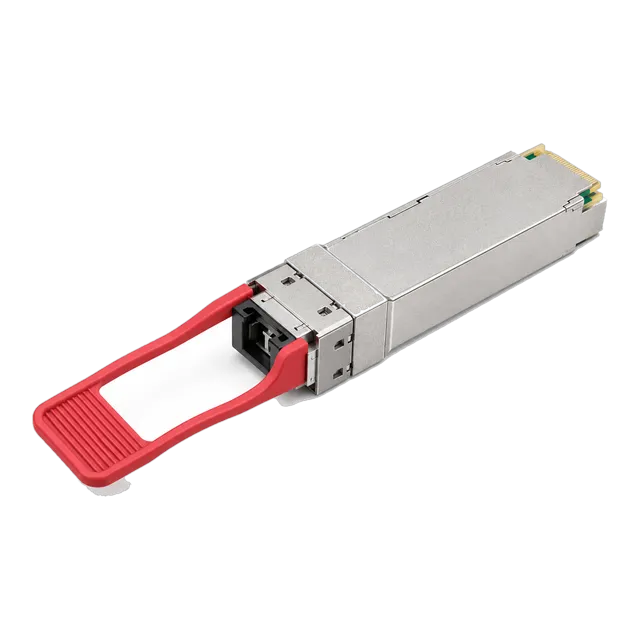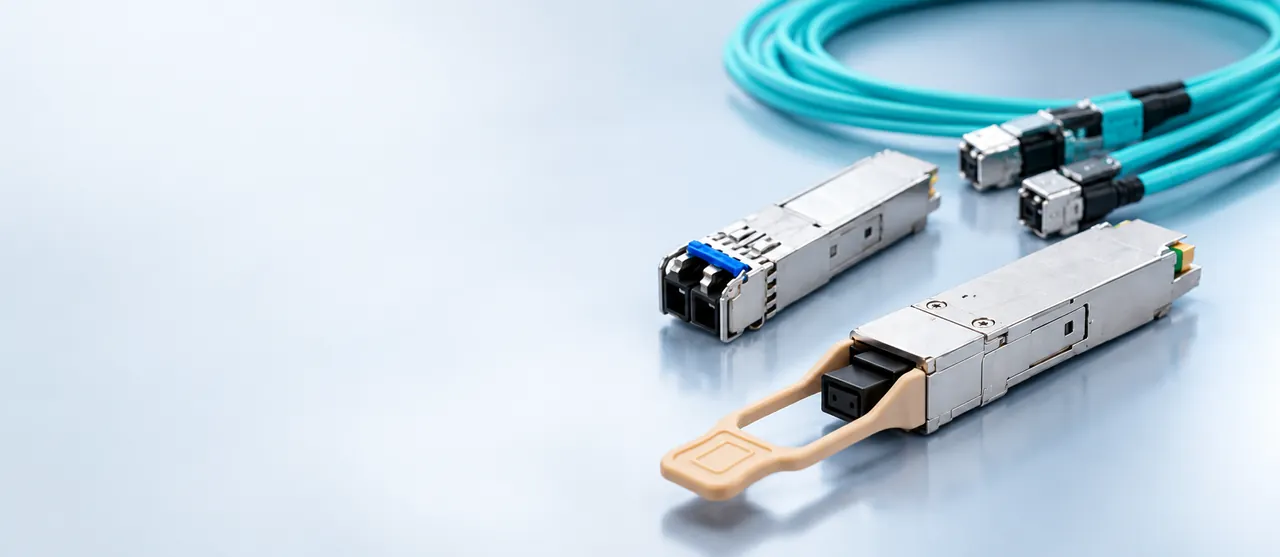
Choose a 100G variant from the fiber you already own: multimode MPO trunks point to SR4, duplex single-mode to CWDM4 or LR4, and a shortage of strands to single-fiber BiDi.
01The decision is about fiber, not about speed
Every 100G QSFP28 variant carries the same 100 Gb/s of client traffic. What separates them is how that traffic is divided into optical lanes, what fiber those lanes need, and how far they go. SR4 and PSM4 are parallel optics: four lanes of 25G each travel on their own fiber strands in each direction, requiring an eight-fiber MPO path. CWDM4, LR4 and the extended-reach variants are duplex optics: four wavelengths are multiplexed onto one strand in each direction, so the link uses an ordinary two-fiber LC path. Single-fiber BiDi variants go further and put both directions on one strand.
That means the first question is not reach or budget. It is what fiber is already installed between the two ends, and how many strands can be dedicated to this link.
02100GBASE-SR4: short reach on multimode
SR4 is the data hall workhorse. Four 25G lanes at 850 nm run over multimode fiber through an MPO-12 or MPO-24 interface, using eight of the twelve fibers in a standard Base-12 trunk. Modules such as the 100G QSFP28 SR4 850 nm MPO multimode transceiver and the 100G QSFP28-SR4 MPO-12 variant are typical of the class: MPO connector, DDM support, 3.3 V, commercial temperature range.
Reach is the constraint. IEEE specifies 100GBASE-SR4 at 70 m over OM3 and 100 m over OM4, which is shorter than the 40GBASE-SR4 figures of 100 m and 150 m that many engineers remember. Catalogue listings commonly quote 100 m because OM4 is the assumed plant. Anything longer than a row-to-row run inside one hall needs a different variant or a fiber upgrade.
03PSM4: parallel single-mode for the middle distance
PSM4 keeps the parallel structure of SR4 but moves it to single-mode fiber at 1310 nm, using eight single-mode strands through an MPO interface and reaching roughly 500 m. It sits between SR4 and CWDM4 and appears in the 40G line as well, for example in the 40G QSFP+ optical transceiver series covering SR4, LR4, PSM4 and ER4.
PSM4 has one distinctive commercial property: it uses a single uncooled laser array without a wavelength multiplexer, so the module itself can be inexpensive, but it consumes four times the fiber of a duplex variant. In a campus where fiber strands are scarce or leased, that trade runs the wrong way. In a building where an eight-fiber single-mode trunk already exists and distances are a few hundred metres, it is efficient. PSM4 also breaks out cleanly into four independent 25G links.
04100G CWDM4: duplex single-mode to 2 km
CWDM4 multiplexes four coarse wavelengths in the 1270 to 1330 nm region onto a duplex LC single-mode pair. The 100GBASE-CWDM4 QSFP28 1310 nm duplex LC module and the CWDM4-S 2 km variant in the catalogue are examples; specifications list the four nominal wavelengths, duplex LC connector, single-mode fiber and DOM support.
The MSA target is 2 km, and some implementations are specified further, with the listed 100GBASE-CWDM4 module quoting a 2 to 10 km range. Coarse spacing allows uncooled lasers, which keeps power and cost below LR4 while still serving building-to-building distances over two strands. For most enterprise and colocation campuses, CWDM4 is the natural default: it uses the duplex LC infrastructure that already carries the 1G and 10G links, and it avoids MPO trunking entirely.
05100GBASE-LR4: the 10 km standard
LR4 uses four LAN-WDM wavelengths in the 1310 nm region on a duplex LC single-mode pair and is specified to 10 km, as in the 100G QSFP28 LR4 10 km 1310 nm dual LC module. The narrower LAN-WDM grid demands tighter wavelength control, which usually means cooled lasers, higher power draw and higher cost than CWDM4.
Choose LR4 when the route genuinely exceeds what CWDM4 can carry, when the link crosses a carrier or landlord demarcation where a full IEEE-standard interface is contractually simpler to defend, or when the far end is equipment you do not control and interoperability against the published standard matters more than price. Within a single owned campus at 2 km or less, LR4 is usually paying for reach that the route does not need.
06Beyond 10 km: ER4, ZR4 and amplified variants
Above 10 km the options narrow and cost rises steeply. Extended-reach variants push single-mode duplex links to 40 km and beyond, and the 100G QSFP28 eZR4 100 km LWDM4 module in the catalogue reaches 100 km with an integrated semiconductor optical amplifier. The 40G line shows the same pattern, with ER4 at 40 km and a ZR variant at 80 km.
At these distances the design stops being a simple loss calculation. Chromatic dispersion tolerance, receiver overload on shorter-than-rated spans, amplifier noise and the wavelength plan of any DWDM system sharing the fiber all matter. If the route is long and also passes through a third-party network, confirm what the transport provider expects to receive before specifying the module, because a wavelength service and a dark fiber service demand different optics.
07Single-fiber BiDi: when strands are the scarce resource
Single-fiber BiDi modules transmit and receive on different wavelengths over one strand, halving fiber consumption. The catalogue lists several at 100G, including a 100GBASE-BX10 QSFP28 BiDi at 1271 and 1331 nm over 10 km with a simplex LC interface, a 20 km BX20 pair, and BiDi LR1 and ER1 variants covering 10 to 40 km.
The economics are straightforward. Where fiber is leased by the strand, or where an existing duct has no spare capacity, a BiDi pair can be cheaper over the life of the link than any duplex module, even at a higher unit price. The operational cost is that BiDi modules are sold as matched upstream and downstream pairs: one end transmits at 1271 nm and receives at 1331 nm, and the other end is the mirror image. Stock and label them as pairs.
08Breakout: one 100G port serving four 25G links
Parallel variants support breakout. A 100G SR4 port can be split into four independent 25G links through an MPO-to-LC harness, and PSM4 does the same on single-mode. Each 25G lane then terminates in an SFP28 module such as the 25GBASE-SR 850 nm 100 m or the 25GBASE-LR 1310 nm 10 km transceiver.
Breakout is an effective way to raise switch port density and reduce the number of leaf switches, but it depends on the host. The switch platform must support splitting the port into four logical interfaces, the licence and software version must allow it, and the port group may impose restrictions on neighbouring ports. Confirm breakout behaviour on the specific platform and software release before ordering harnesses, and be clear in the enquiry that the optics are intended for breakout use.
09What actually drives the price
Four factors explain most of the price spread across 100G variants. The number and type of lasers matters: VCSEL arrays for 850 nm multimode are inexpensive, uncooled DFB lasers for CWDM4 cost more, and temperature-controlled LAN-WDM lasers for LR4 more again. Wavelength multiplexing optics add components and alignment steps to duplex variants. Reach drives receiver technology, with APD receivers and amplifiers appearing in the longest variants. Volume matters too, because widely deployed variants benefit from mature supply.
Against that, weigh the cabling cost. An MPO trunk plus cassettes for an SR4 link can exceed the module saving over a duplex CWDM4 pair on the same route. Compare the installed cost of the whole link, not the unit price of the module.
10Power, thermals and the switch chassis
QSFP28 modules differ substantially in power draw, and the difference concentrates in a dense faceplate. Short-reach multimode variants sit at the low end, CWDM4 higher, and cooled long-reach variants higher again. A fully populated 32-port QSFP28 switch filled with long-reach optics presents a very different thermal load from the same switch filled with SR4, and the airflow direction of the chassis must match the containment in the rack.
Check three things before committing to a dense build: the per-port and per-chassis power class the switch supports, the maximum module power the vendor lists for that port type, and the operating temperature rating of the modules themselves, which for the catalogue variants is commonly 0 to 70 °C. Hot aisles, closed cabinets and blocked filters remove margin that the datasheet assumes you have.
11Matching optics to hosts and coding
All of these variants are defined by IEEE standards or multi-source agreements, so the optical interface is interoperable between conforming implementations. The host interface is a separate matter. Switches and network adapters read the module's EEPROM and many platforms compare the vendor and part number fields against an internal list before bringing the port up.
This is why optics are coded per platform. When you enquire, state the exact host make and model, the line card or port group, the software version, and the variant you need, for example 100G CWDM4 duplex LC at 2 km. Modules can be coded for platforms from vendors such as Cisco, Juniper, Arista, HPE or Huawei, and the coding should be confirmed against your specific host before volume delivery. Coding is a configuration of the module, not any form of vendor approval or certification.
12A short decision path
Start with the installed fiber. If the path is multimode with MPO trunks and the distance is inside 100 m on OM4, specify SR4. If the path is single-mode duplex LC and under 2 km, specify CWDM4. If it is single-mode duplex and up to 10 km, or crosses an administrative boundary where the IEEE interface is the cleaner contract, specify LR4. If strands are scarce or leased, specify a single-fiber BiDi pair at the matching reach. If the route is longer than 10 km, move to ER4, ZR4 or an amplified variant and check dispersion as well as loss.
Then document the choice: route length, fiber type, connector type, strand count, host platform and software version, and required temperature grade. That record turns a quotation into a specification and prevents the wrong variant arriving on site.
13Frequently asked questions
What is the difference between CWDM4 and LR4?
Both put four wavelengths on a duplex single-mode pair, but CWDM4 uses coarse spacing in the 1270 to 1330 nm region with uncooled lasers and targets 2 km, while LR4 uses the narrower LAN-WDM grid with temperature-controlled lasers and is specified to 10 km. CWDM4 is cheaper and draws less power; LR4 buys reach and a full IEEE-standard interface.
Can I use 100G SR4 over an existing OM3 trunk?
Only over short distances. IEEE specifies 100GBASE-SR4 at 70 m over OM3 and 100 m over OM4, whereas 40GBASE-SR4 reaches 100 m over OM3 and 150 m over OM4. An OM3 trunk that carried 40G comfortably may be too long for 100G. Measure the actual route length and channel insertion loss before assuming the upgrade is a module swap.
When does single-fiber BiDi make commercial sense?
When fiber strands are the limiting resource. If the route uses leased fiber priced per strand, or a duct with no spare capacity, a BiDi pair halves the strand count and often pays for its higher unit price quickly. The trade-off is that modules must be ordered, stocked and installed as matched upstream and downstream pairs at the correct wavelengths.
Do I need MPO cabling for every 100G link?
No. Only parallel variants such as SR4 and PSM4 use MPO, because they run four lanes on separate strands per direction. CWDM4, LR4, ER4 and the duplex extended-reach variants multiplex four wavelengths onto one strand per direction and terminate in an ordinary duplex LC pair, so they run on the same two-fiber infrastructure as existing 1G and 10G links.
Can a 100G QSFP28 port be split into four 25G links?
With parallel optics and host support, yes. An SR4 or PSM4 port breaks out through an MPO-to-LC harness into four 25G links terminated in SFP28 modules. The switch must support splitting that port into four logical interfaces on the software version in use, and neighbouring ports in the same group may be affected, so confirm the behaviour on the platform first.
Technical review note: confirm model-specific specifications with the product datasheet and the intended host documentation. Product images and application photographs are illustrative.
Discuss this with our team